Graphic Design aur Printing Press ke Liye Best Monitor Kaun Sa Hai? ASUS vs Dell vs MSI
Agar aap graphic designing, printing press, CorelDRAW, Photoshop, wedding card, banner, flex ya visiting card designing ka kaam karte hain aur ek naya monitor budget me kharidne ka plan bana rahe hain, to monitor choose karte waqt sirf screen size, 100Hz refresh rate ya price dekhna kaafi nahi hai.
Graphic designing aur printing ke kaam me display panel aur color reproduction bhi bahut important hote hain.
Market me budget range me kai monitors available hain, lekin is article me hum compare karenge:
- ASUS VP227HF
- Dell SE2225HM
- MSI PRO MP225
Maine in teen monitors ko khaas taur par graphic designers aur printing press users ke nazariye se compare kiya hai, taaki aapko aasani se samajh aaye ki ₹6,000–₹7,000 ke aas-paas ke budget me kaunsa monitor aapke kaam ke liye better rahega.
Quick Answer: Graphic Design aur Printing ke Liye Kaunsa Monitor Best Hai?
Agar aapka main kaam CorelDRAW, Photoshop aur printing design hai, to in teen options me meri choice MSI PRO MP225 hogi.
Iska sabse bada reason hai iska IPS panel. IPS panel ki wajah se colors aur viewing angles ke maamle me ye dono VA panel monitors se zyada suitable choice ban jata hai.
Meri ranking:
🥇 MSI PRO MP225 – Best Overall for Graphic Design & Printing
🥈 ASUS VP227HF – Good Alternative
🥉 Dell SE2225HM – Good for General Office Use
Lekin iska matlab ye nahi hai ki ASUS ya Dell kharab monitors hain. Teeno monitors ka apna-apna advantage hai. Aaiye detail me samajhte hain.
ASUS VP227HF vs Dell SE2225HM vs MSI PRO MP225 – Comparison
| Feature | ASUS VP227HF | Dell SE2225HM | MSI PRO MP225 |
|---|---|---|---|
| Screen Size | 21.45-inch | 21.5-inch | 21.5-inch |
| Resolution | Full HD 1920×1080 | Full HD 1920×1080 | Full HD 1920×1080 |
| Panel | VA | VA | IPS |
| Refresh Rate | 100Hz | 100Hz | 100Hz |
| Response Time | 1ms MPRT | 5ms | 1ms MPRT / 4ms GTG |
| Brightness | 250 nits | 250 cd/m² | 250 nits |
| Viewing Angle | 178° | — | 178° |
| Color Coverage | 99% sRGB | — | High sRGB coverage |
| Connectivity | HDMI + VGA | HDMI + DP + VGA | HDMI + VGA |
| Eye Care | Flicker-Free + Low Blue Light | TÜV Eye Comfort | Anti-Flicker + Eye-Friendly |
| Approx. Price | ₹7,089 | ₹6,799 | ₹6,299 |
| Our Pick for Printing | ⭐⭐⭐⭐ | ⭐⭐⭐ | ⭐⭐⭐⭐⭐ |
Note: Prices mentioned above are the prices considered for this comparison and may change depending on the seller and current offers.
ASUS VP227HF ke official specifications me VA panel, 1920×1080 resolution, 100Hz refresh rate aur 99% sRGB coverage listed hai. MSI PRO MP225 ke official specifications me IPS panel, Full HD resolution, 100Hz refresh rate, 178° viewing angle aur 250-nit brightness listed hai. (ASUS Global)
1. MSI PRO MP225 – Graphic Design aur Printing ke Liye Meri First Choice
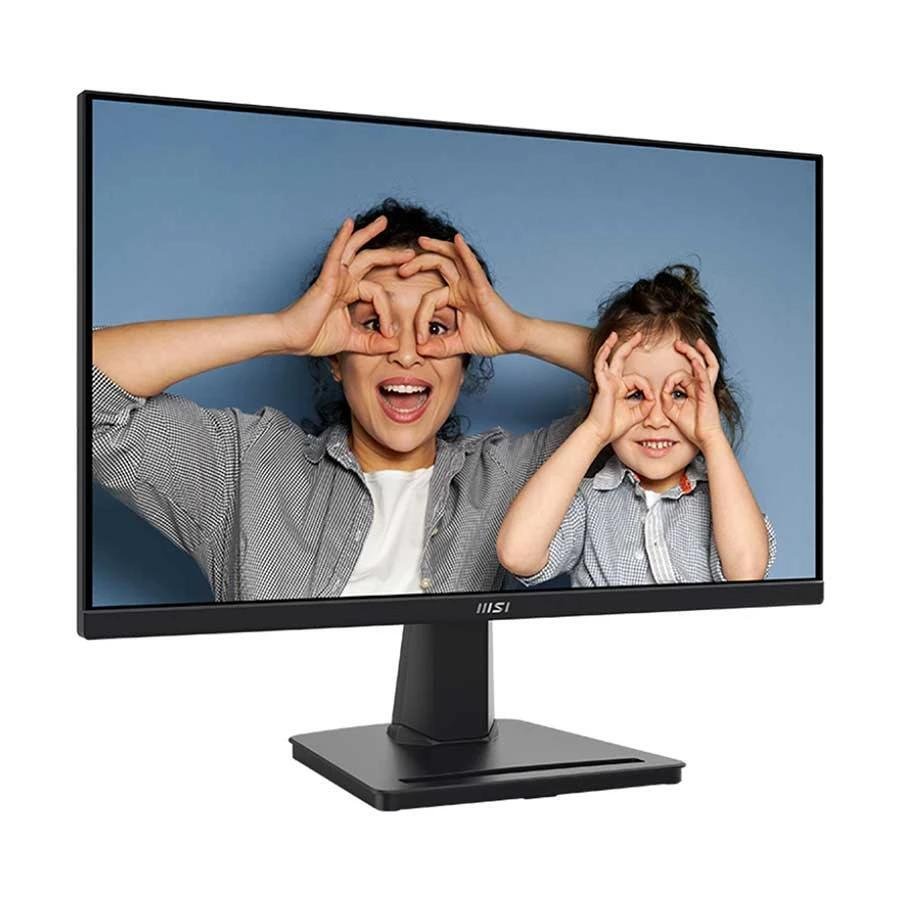
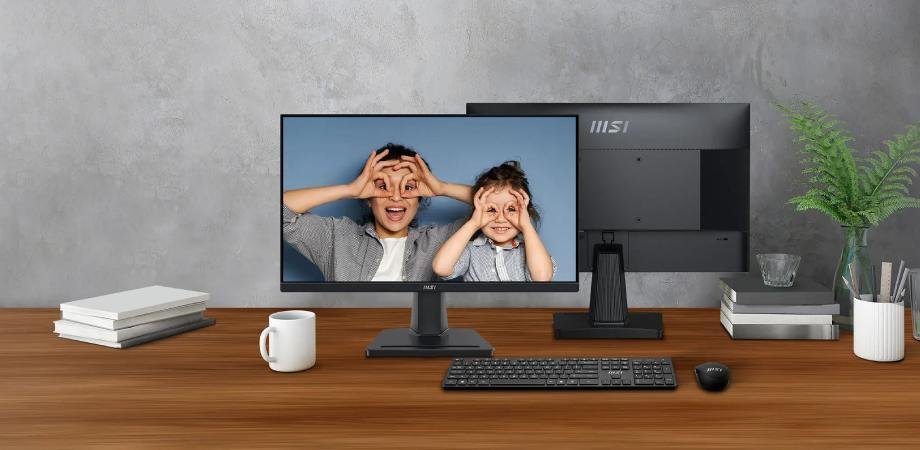
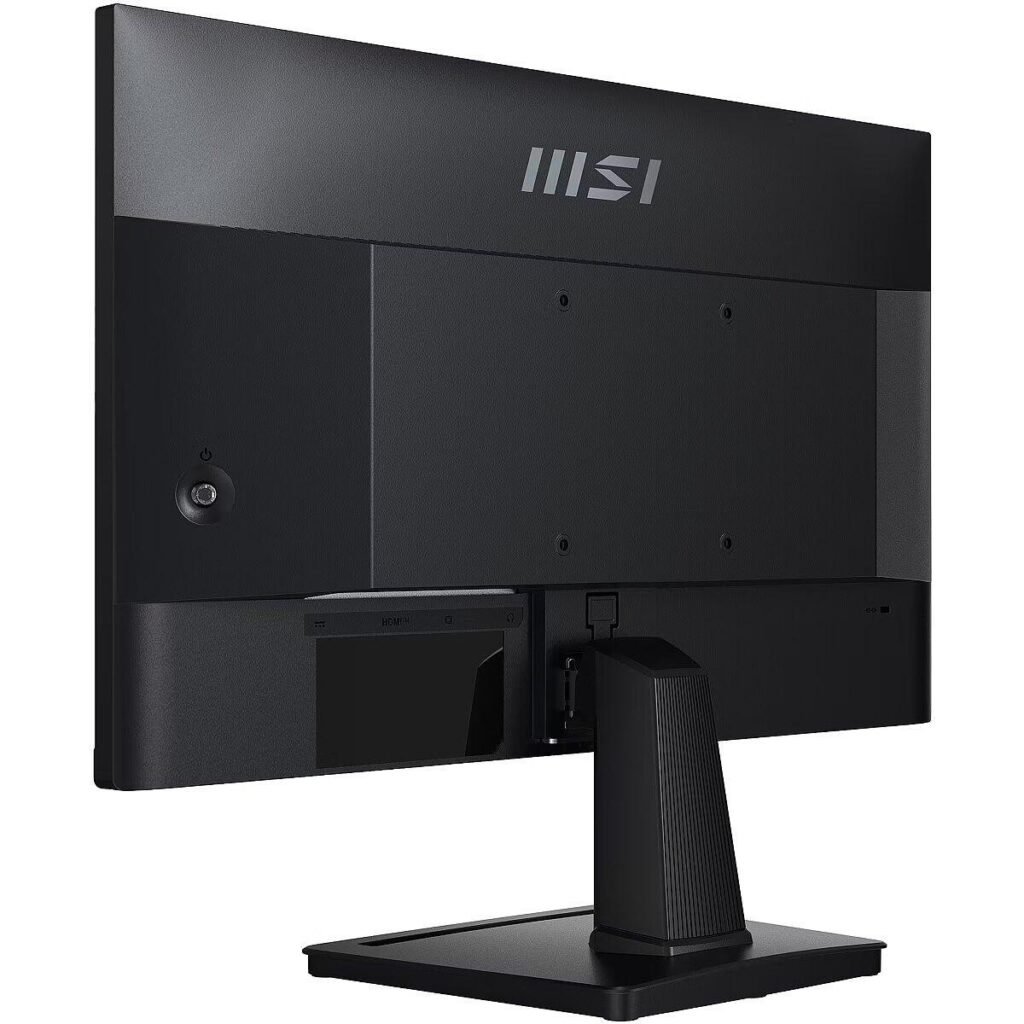
Agar aap mujhse poochhen ki in teen monitors me se printing press ya graphic design ke liye kaunsa monitor lena chahiye, to meri first choice hogi MSI PRO MP225.
Is monitor ki sabse important baat hai iska IPS panel.
Graphic designing ke kaam me hum aksar colors ke saath kaam karte hain. Aap CorelDRAW me koi wedding card design bana rahe hain, Photoshop me photo edit kar rahe hain ya kisi client ke liye banner aur visiting card design kar rahe hain, to screen par colors ka natural aur consistent dikhna important hota hai.
MSI PRO MP225 me 21.5-inch Full HD IPS display aur 100Hz refresh rate milta hai. MSI ke official specifications ke mutabik iska viewing angle 178° horizontal aur vertical hai, brightness 250 nits hai aur IPS panel diya gaya hai. (MSI)
MSI PRO MP225 ke fayde
- IPS panel
- Full HD 1920×1080 resolution
- 100Hz refresh rate
- 178° viewing angle
- CorelDRAW aur Photoshop jaise software ke liye suitable
- Graphic designing ke liye better panel technology
- 250 nits brightness
- HDMI aur VGA connectivity
- Eye-friendly features
- Budget-friendly price
Agar aap printing press owner ya graphic designer hain aur aapka budget around ₹6,000–₹7,000 hai, to ye monitor value for money option ho sakta hai.
👉 MSI PRO MP225 ko Amazon par Check Karein – Latest Price Dekhein
Affiliate Disclosure: Is article me affiliate links ho sakte hain. Agar aap hamare affiliate link se product kharidte hain, to hume bina kisi extra cost ke chhota sa commission mil sakta hai.
2. ASUS VP227HF – 99% sRGB ke Saath Ek Achha Alternative
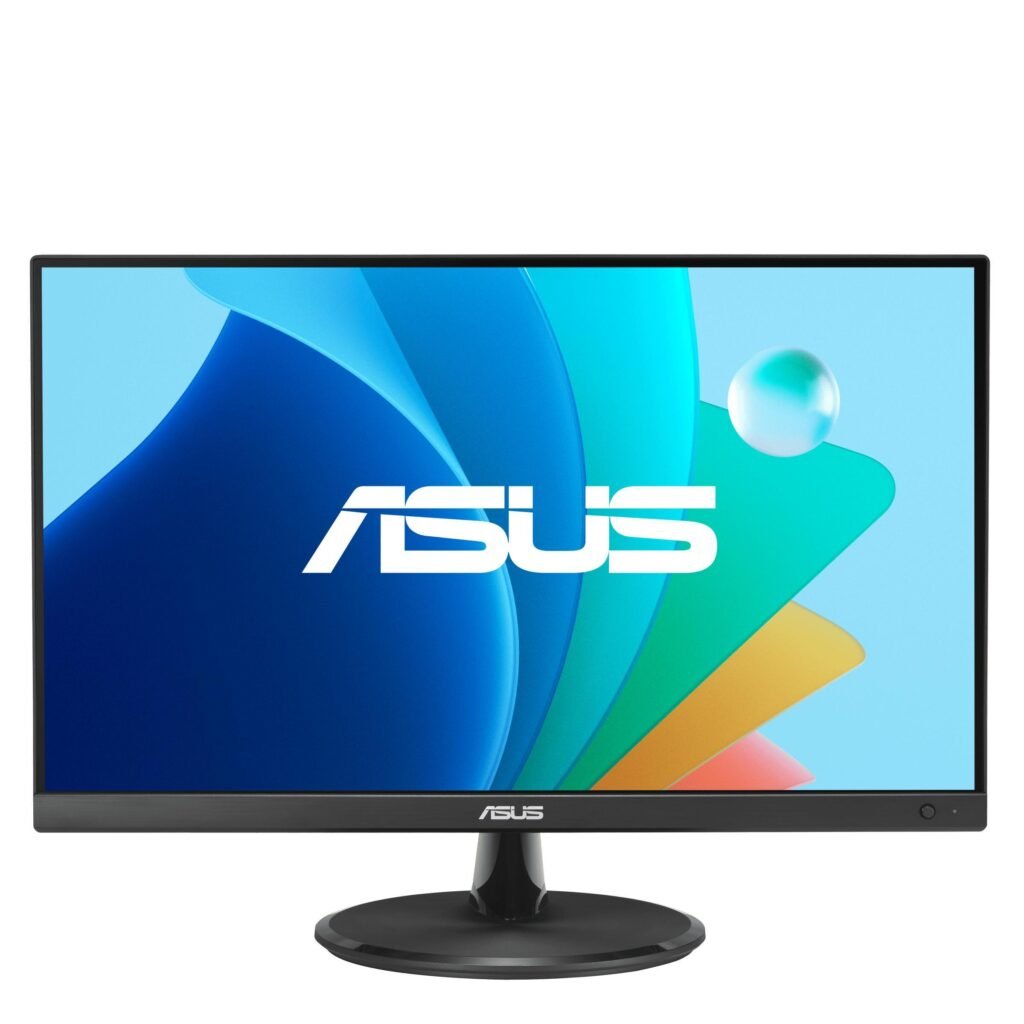
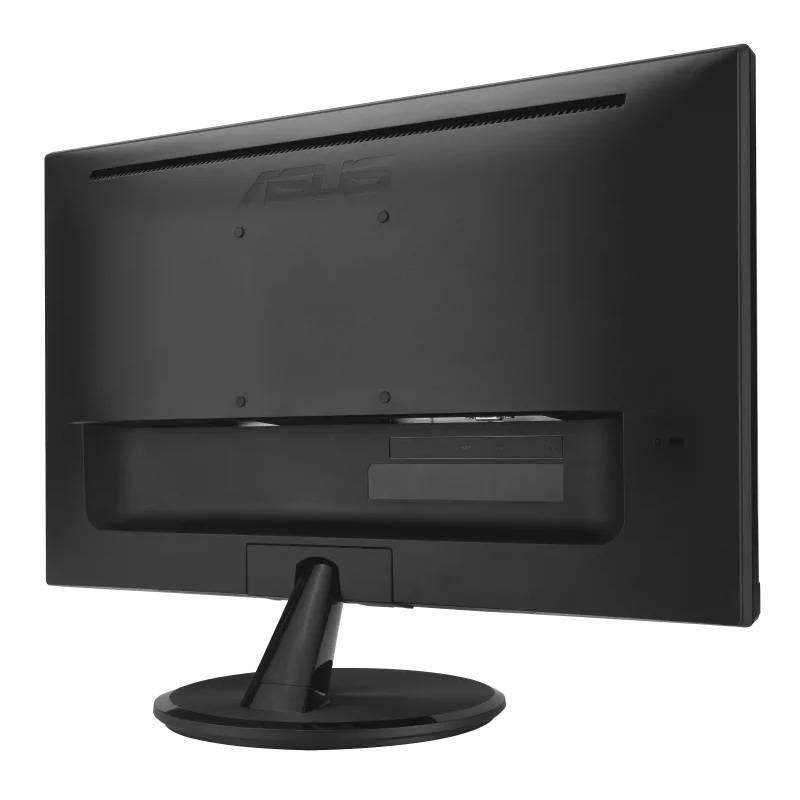
ASUS ek well-known brand hai aur VP227HF bhi budget segment me ek interesting option hai.
Isme 21.45-inch Full HD VA panel diya gaya hai. ASUS ke official specifications ke according monitor me 99% sRGB color space coverage, 100Hz refresh rate, 250 cd/m² brightness aur 4000:1 typical contrast ratio diya gaya hai. Isme Flicker-Free aur Low Blue Light jaise eye-care features bhi hain. (ASUS Global)
ASUS VP227HF ka ek strong point iska 99% sRGB coverage hai.
Lekin yahan ek important baat samajhna zaroori hai.
99% sRGB likha hone ka matlab automatically ye nahi hai ki monitor IPS monitor se har situation me better color accuracy dega. Panel type, calibration aur individual monitor unit ki performance bhi matter karti hai.
Isliye agar aapka primary focus graphic design aur printing hai, to mere hisab se MSI ka IPS panel overall zyada attractive option hai.
ASUS VP227HF ke fayde
- 99% sRGB coverage
- 100Hz refresh rate
- 4000:1 typical contrast ratio
- Full HD resolution
- Flicker-Free technology
- Low Blue Light
- HDMI aur VGA
- 1ms MPRT
- Frameless design
ASUS VP227HF kis ke liye sahi hai?
Agar aapko ASUS brand, high contrast aur 99% sRGB coverage pasand hai, to ye ek achha option hai.
Lekin agar aap specifically printing aur graphic design ke liye monitor kharid rahe hain, to main MSI PRO MP225 ko preference dunga.
👉 ASUS VP227HF ko Amazon par Check Karein – Latest Price Dekhein
3. Dell SE2225HM – Office aur General Work ke Liye Achha Option
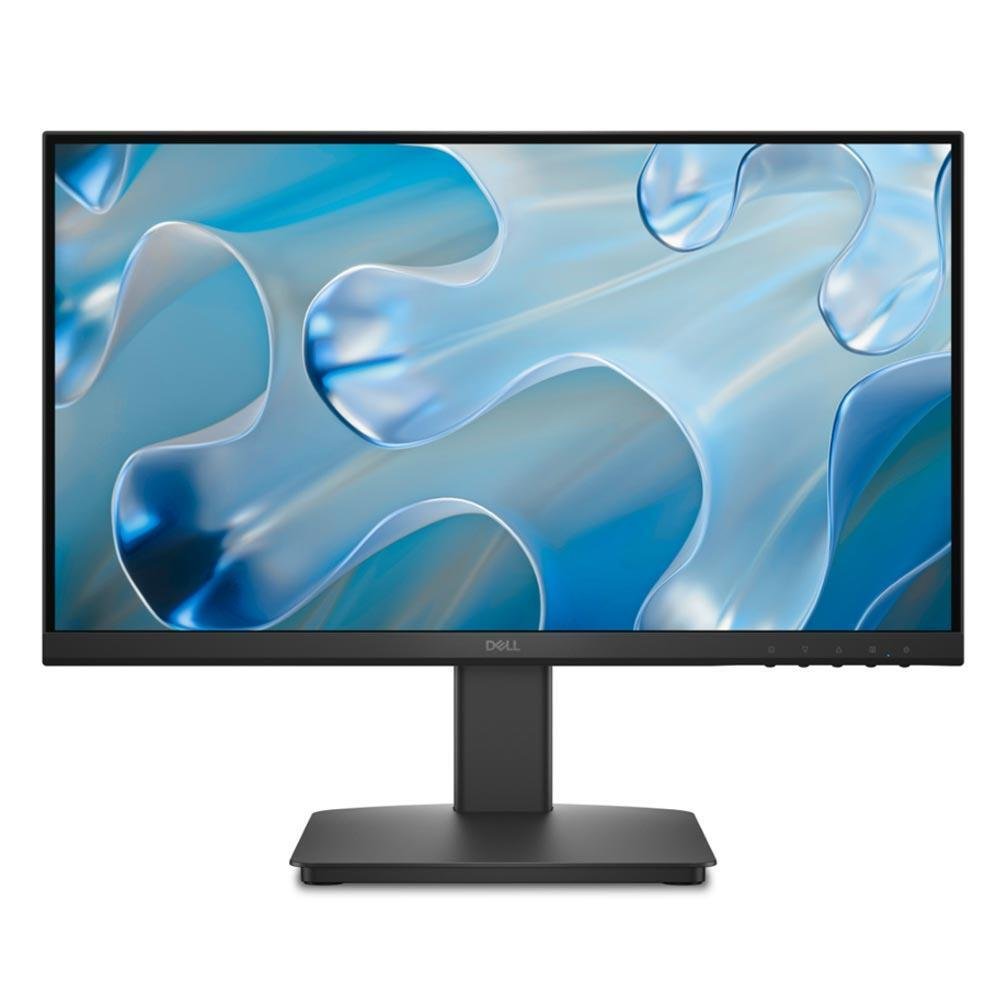
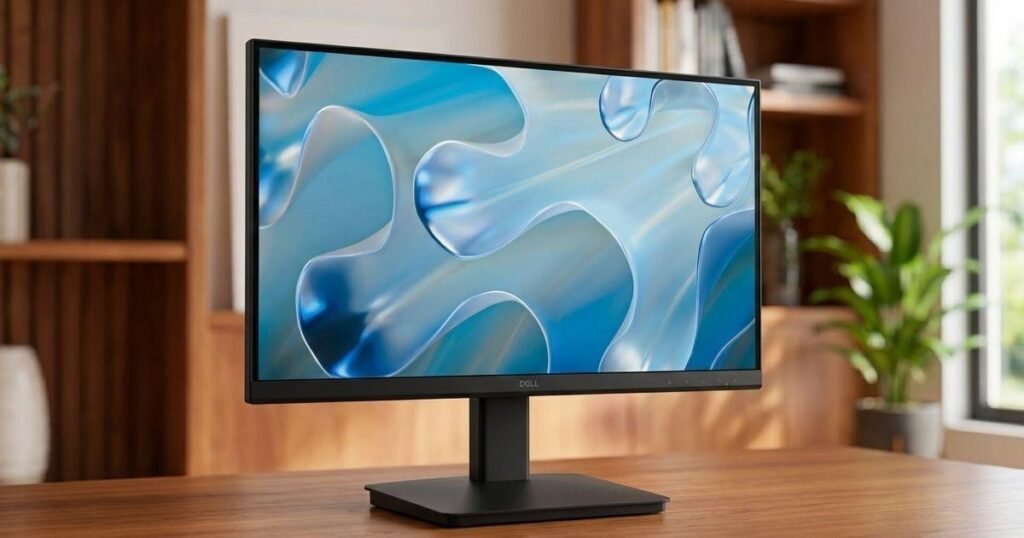
Dell SE2225HM bhi 21.5-inch Full HD monitor hai aur isme VA panel diya gaya hai.
Aapke diye gaye comparison ke according iska price ₹6,799 ke aas-paas hai.
Dell ka advantage ye hai ki brand reputation aur office-oriented features ki wajah se ye general computer use, office work, browsing aur regular business work ke liye ek practical choice ho sakta hai.
VA panel ka ek major advantage generally high contrast hota hai, jiski wajah se blacks aur dark scenes achhe dikh sakte hain.
Lekin agar aapka primary kaam graphic design aur printing hai, to mere comparison me main MSI PRO MP225 ko preference dunga, kyunki MSI me IPS panel milta hai.
Dell SE2225HM ke fayde
- 21.5-inch Full HD display
- 100Hz refresh rate
- VA panel
- High contrast
- HDMI, DisplayPort aur VGA connectivity
- Tilt adjustment
- Eye comfort features
- Office aur general use ke liye suitable
Dell SE2225HM kis ke liye sahi hai?
Agar aapka kaam mainly office work, browsing, billing, accounting ya general computer use hai, to Dell ek achha option ho sakta hai.
Lekin agar aap printing press me CorelDRAW par rozana design banate hain, to meri preference MSI PRO MP225 rahegi.
👉 Dell SE2225HM ko Amazon par Check Karein – Latest Price Dekhein
IPS vs VA: Graphic Designer ke Liye Kaunsa Better Hai?
Yahi sabse important question hai.
IPS Panel
IPS panels ko aam taur par wide viewing angles aur consistent image quality ke liye jaana jaata hai.
Agar aap monitor ke saamne baithkar CorelDRAW ya Photoshop me kaam karte hain, to IPS ek strong choice hai.
VA Panel
VA panels ka major advantage aam taur par better contrast aur deeper blacks hota hai.
Movies, multimedia aur general use ke liye VA ka experience achha ho sakta hai.
Printing Press ke Liye Meri Choice
Agar mujhe in teen monitors me se ek choose karna ho, to main IPS panel wale MSI PRO MP225 ko choose karunga.
Lekin ek baat hamesha yaad rakhein:
Sirf IPS panel hone se monitor automatically professional color-accurate monitor nahi ban jaata.
Professional printing ke liye monitor calibration, color profile, ambient lighting aur printer calibration bhi important hote hain.
Is budget range me, however, MSI PRO MP225 ka IPS panel ise graphic design aur printing work ke liye ek attractive budget choice banata hai.
Kya 100Hz Refresh Rate Graphic Designing ke Liye Zaroori Hai?
Nahi.
Graphic design ke liye 100Hz mandatory nahi hai.
Aap 60Hz monitor par bhi CorelDRAW aur Photoshop perfectly chala sakte hain.
Lekin 100Hz ka benefit ye hai ki:
- Mouse movement smoother feel ho sakta hai
- Scrolling smoother lagti hai
- Windows aur applications me movement zyada fluid feel hoti hai
- Long working sessions me overall experience pleasant lag sakta hai
Isliye 100Hz ek nice-to-have feature hai, lekin monitor choose karte waqt graphic designer ke liye panel quality aur color reproduction ko priority deni chahiye.
Kya 21.5 Inch Monitor Graphic Design ke Liye Enough Hai?
Haan, agar aapka budget limited hai to 21.5-inch Full HD monitor se graphic design ka kaam comfortably kiya ja sakta hai.
CorelDRAW, Photoshop, Illustrator aur other design software ke liye 1920×1080 resolution basic designing ke liye sufficient hai.
Lekin agar aapka budget ₹8,000–₹10,000 ya usse zyada hai, to 24-inch IPS monitor consider karna bhi worth it ho sakta hai.
Badi screen ka benefit ye hai ki aapko:
- Design ke liye zyada workspace milta hai
- Tools aur panels ke liye better space milta hai
- Multiple windows ko manage karna easy hota hai
- Long design projects me comfort improve ho sakta hai
Final Verdict: Kaunsa Monitor Kharidna Chahiye?
Agar aap printing press owner, CorelDRAW designer ya graphic designer hain aur in teen monitors me se choose kar rahe hain, to meri recommendation simple hai:
🥇 MSI PRO MP225 – Best Choice for Graphic Design & Printing
Kyun?
Kyuki isme IPS panel, Full HD resolution aur 100Hz refresh rate milta hai. Graphic design aur printing work ke liye IPS panel ki wide viewing angles aur consistent display characteristics ise attractive choice banati hain. Iski price bhi aapke comparison me sabse kam, ₹6,299, hai.
🥈 ASUS VP227HF – Good Alternative
Agar aapko 99% sRGB coverage, high contrast aur ASUS brand pasand hai, to ye ek achha alternative hai. Lekin ye VA panel hai.
🥉 Dell SE2225HM – Good for General Use
Agar aapko office work, browsing aur general computer use ke liye monitor chahiye to Dell achha option hai. Lekin dedicated graphic designing aur printing work ke liye main MSI ko preference dunga.
🏆 Hamari Final Recommendation
Graphic Design + Printing Press → MSI PRO MP225
High Contrast + 99% sRGB → ASUS VP227HF
Office + General Work → Dell SE2225HM
Agar aap CorelDRAW, Photoshop, wedding card, banner, flex, visiting card aur printing design ka kaam karte hain, to MSI PRO MP225 in teen options me meri first choice rahega.
Frequently Asked Questions (FAQ)
1. Graphic designing ke liye ASUS ya MSI me kaunsa better hai?
In dono me, graphic designing ke liye hum MSI PRO MP225 ko preference denge kyunki isme IPS panel hai, jabki ASUS VP227HF VA panel use karta hai.
2. Printing press ke liye IPS monitor zaroori hai?
Zaroori nahi hai, lekin budget range me IPS panel ek strong choice ho sakta hai. Professional printing ke liye monitor calibration aur printer calibration bhi important hain.
3. Kya MSI PRO MP225 Photoshop ke liye achha hai?
Haan, basic aur regular Photoshop work ke liye iska Full HD IPS display suitable hai.
4. Kya CorelDRAW ke liye MSI PRO MP225 achha hai?
Haan. CorelDRAW ke liye Full HD resolution aur IPS panel ke saath MSI PRO MP225 ek good budget option hai.
5. Kya 100Hz monitor graphic design ke liye useful hai?
100Hz graphic designing ke liye compulsory nahi hai, lekin scrolling aur overall desktop experience ko smoother bana sakta hai.
6. Kya 21.5-inch monitor printing press ke liye enough hai?
Haan, basic aur regular graphic design work ke liye 21.5-inch Full HD monitor sufficient hai. Agar budget allow kare to 24-inch IPS monitor me zyada workspace mil sakta hai.
7. ASUS VP227HF me kitna sRGB hai?
ASUS ke official specifications ke mutabik VP227HF me 99% sRGB color space coverage listed hai. (ASUS Global)
8. MSI PRO MP225 IPS hai ya VA?
MSI PRO MP225 ka official specification IPS panel list karta hai. (MSI)
🛒 Check Latest Price on Amazon

मैं एक ग्राफिक डिजाइनर और डिजिटल मार्केटिंग एक्सपर्ट हूं, जिसके पास 8 साल का डिजाइनिंग और 4 साल का डिजिटल मार्केटिंग का तजुर्बा है। अपने इस ब्लॉग पर मैं डिजाइन और ऑनलाइन कमाई के आसान और असरदार तरीके बताता हूं। साथ ही, यूट्यूब पर प्रिंटिंग और डिजाइनिंग सिखाकर लोगों की मदद करता हूं। मेरी कोशिश है कि हर कोई अपनी क्रिएटिविटी को पहचानकर उसे कमाई का जरिया बना सके।